AIProductivitySoftware Development
Running a crew of coding agents
How I run several Claude Code agents at once with crew, a lead agent that hires workers into their own terminals and worktrees and puts every decision on a board for me to answer.

One coding agent is easy to keep track of. Four at once are not. One stops to ask a question while I am reading another's output, two of them edit the same checkout, and by the evening I can't say which branch holds which change or whether something was left half done. I wanted a single place to give orders, a single place to see what is waiting on me, and a separate place for each agent to work so that none of them can step on another.
crew is what I built for that. It is a bash script, a skill for the lead agent, three role prompts and a mod for Herdr. Herdr's terminals run in herdr-core, whose hc command runs programs and agents in terminals that stay alive when the window closes. Every agent in crew is a Claude Code session in an hc terminal, and Herdr is where I watch them, read their boards and answer their questions. There is no daemon and no database. Several of crew's own commits were written by its agents and shipped after I approved them.
The quartermaster and its hands
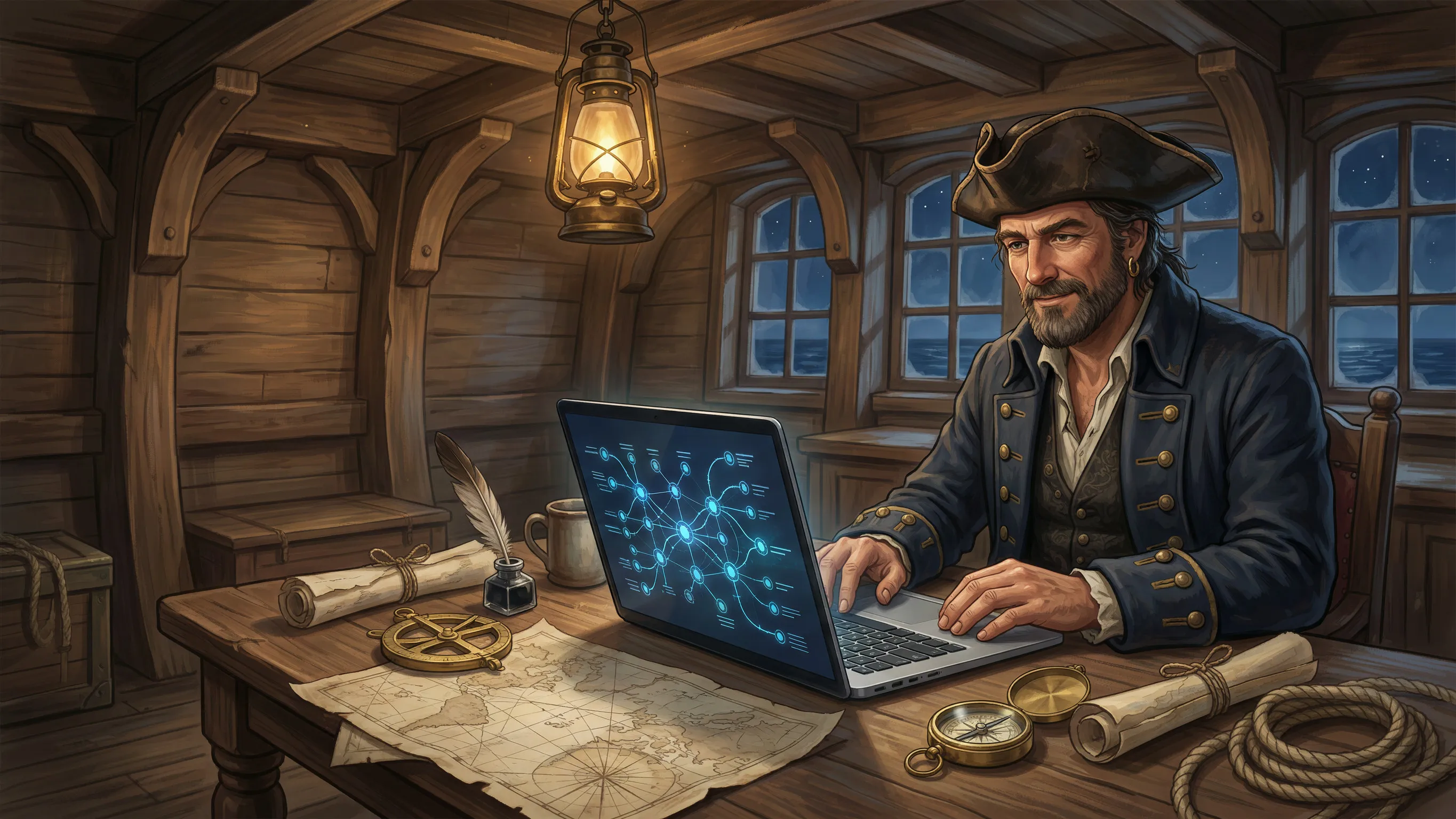
The names in crew come from a pirate ship, and each one tells you where an agent sits in the chain of command and what it is allowed to do. I am the captain: I give the orders and make every decision. The quartermaster runs the crew for me. It hires hands and dismisses them when their work is done, and it passes my orders and answers down to them. A hand is hired for one job, and its role sets what it may touch by default. A shipwright builds and repairs, and is the role that changes code. A lookout watches and reports: it reviews and investigates without changing anything. A navigator charts the course, which here means writing plans. Nothing ships until I give the word, and the command that commits, pushes and opens a draft pull request is crew ship.
- Shipwrightbuilds and fixes code
- Lookoutreviews and investigates
- Navigatorwrites plans
The quartermaster is a Claude Code session that runs on Opus by default. By default it doesn't change project files itself: any change, investigation or plan goes to a hand.
A hand is another Claude Code session running in its own hc terminal, which stays alive when I close Herdr. Most days the quartermaster is the only agent I talk to, but I can steer any hand myself. When one is heading the wrong way or needs more context than a decision can carry, I open its session and type to it directly, the same as any Claude Code session, and its rules tell it to follow what I type there. Each role file sets a default model and the default rules the hand works under, and I can override any of them for a piece of work:
- A shipwright runs on Sonnet and doesn't commit, stage or push.
- A lookout runs on Sonnet and writes only its report.
- A navigator runs on Opus and doesn't change code.
The quartermaster can override the model for a single hire. Its instructions are to use Haiku for mechanical edits with exact instructions, Sonnet for most building and reviewing, and Opus for multi-file design, hard debugging and plans. A hire looks like this:
crew hire <name> <shipwright|lookout|navigator> --thread <thread> \
  [--repo <path> [--base <ref>] | --dir <path>] [--model <model>] "<task>"
The task text is everything the hand knows, so the quartermaster writes it to stand on its own: the goal, what is in and out of scope, how to tell when it is done, and which method to use. crew ships no workflow skills of its own. Before hiring, the quartermaster reads the target repo's own skills and contributor docs and the skills installed on my machine, then names the one that fits in the task. If the task names no method, the hand does the same lookup itself. This keeps crew out of the business of knowing how each project wants its code planned, written or reviewed.
A hand reports its state (working, needs-input, ready or failed) as a label on its own terminal, sends its messages to the quartermaster through hc, and writes a report file when it finishes. Those terminal labels are the only record crew keeps of a hand. crew muster reads them back, grouped by thread:
Thread dev-servers: Start a dev server tab for each shipwright
NAME      ADDR  KIND        TARGET  STATUS  STATE  CHANGES  TASK
dev-tabs  t4k   shipwright  crew    idle    ready  10       Give each shipwright hired with --repo a dev server tab running the repo's dev s
Separate places to work
Where a hand works depends on what it is working on.
- In a git repo, shipwrights and navigators get their own worktree on a new branch named after the hand. If the repo has its own worktree setup step,
crewruns it. Lookouts read the main checkout. - In a folder outside git, such as my desktop config, a writing hand gets a snapshot of the folder before it starts. Only one hand writes to a folder at a time, and I can restore the snapshot if I don't like the result.
- A hand with neither gets a scratch folder.
By default the number of writing hands is capped per thread and in total. Two shipwrights in the same repo each have their own branch and folder, and my main checkout stays the way I left it.
A hand working in a repo also gets an editor opened in its folder, so I can read or change its files next to its session. A shipwright gets the repo's dev server as well, running in its worktree.
Threads, boards and decisions
Every piece of work goes in a thread, including a quick question the quartermaster answers without hiring anyone. Each thread has its own space in Herdr and a board: a markdown file the quartermaster keeps, in short lines that link to reports in place of pasting them. I read a board from the top. The Summary catches me up on everything done in the thread so far, and Waiting on you holds the decisions I still have to think through. Below them, Results and Decided keep a line for every outcome and every answer, for when I need to dig back through what happened.
Hands ask all of their open questions in one message, each as a numbered decision with options and a recommendation. The quartermaster copies each one onto the board as it stands. On the board for a website footer thread, a decision looks like this:
## Waiting on you

### D2 · Put the links in the footer?
from: footer-links · 11-18
Recommendation: yes, and take them out of the header
- The header has no room for them on a phone.
- Every page already shows the footer.
Options: yes | no
In Herdr, the board shows each decision with a button per option and a box for a typed answer. I can answer there, or type into the quartermaster's terminal with the thread and decision numbers:
[web-12] D2 yes · D3 one page
The quartermaster sends each hand a single message with all of its answers and updates the board once. Answers and orders only count when they come from me. hc marks every message sent from an agent's terminal, and the quartermaster treats a marked message as a report, never as an order, even when it quotes one. Unless I tell it otherwise, it doesn't approve a hand's permission prompt or answer a hand's question on its own judgment either; those go to me.
The quartermaster's replies in its terminal are one line naming the thread, since the detail is on the board. When I want an overview I ask "what needs me?" and get one line per thread, with the threads waiting on me first.
Shipping stays with me
The shipwright prompt sets the default: "Never commit, stage, push, merge, or change branches. Your lead ships your work after the captain approves it." The quartermaster has the matching default. It commits, pushes, opens a pull request, restores a snapshot or cleans up a worktree only when I say so for that hand. When I do, the quartermaster runs:
crew ship <name> --title "<title>" --body-file <file>
That commits whatever is uncommitted in the hand's worktree, pushes the branch, and opens a draft pull request. crew ship stops at the draft pull request, and the quartermaster doesn't merge unless I tell it to merge that piece of work.
Every session runs in Claude Code's auto mode by default, so I am not approving each command a hand runs. The point where I do look is before anything leaves my machine. When a hand finishes, the quartermaster reads its report, checks the hand's diff against what the report claims, and adds the result to the board. Then I choose to ship it or send the hand more work on the same branch. For a folder outside git there is no branch to ship, so I either keep the hand's edits or restore the snapshot taken before it started. Cleanup is guarded the same way: crew refuses to remove a worktree with uncommitted or unpushed work.
Lessons so far
The quartermaster's context needs protecting. This is something I have to keep watching as crew grows. One example is the note hc sends whenever a hand is blocked on a permission prompt. I answer those prompts in the hand's own tab, so each note only woke the quartermaster and spent tokens, and a hook on its session now drops them before they reach the model. There are more places like that, where adding a feature carelessly just burns the quartermaster's tokens.
Keeping all state in labels and files on disk makes interruptions cheap. crew starts every hand with a session id it chooses and records in the hand's terminal labels. The terminal and its labels stay after the hand's program ends, including after a crash or reboot, so one command relaunches the hand in the same Claude Code conversation and I don't have to brief it again. The quartermaster rebuilds its picture from the terminal labels and the boards whenever it starts, resumes or has its session cleared, so it doesn't need a recap from me either.
If you are running several agents at once and have found a different way to keep track of them, I'd like to hear about it. You can get in touch via the contact form.